Guide
How to use Harcama Atlası
From creating your account to talking to the coach, every screen in short steps.
01Create your account
Use Harcama Atlası on the web today, on iOS and Android soon. One account, the same data on every device.
- Open the app and sign up with your email or sign in with Google.
- If you took the Financial Map test, sign in with the same email; your result is linked to your account automatically.
- Theme, language, notifications and the month start day are under Menu > Settings.
02Add or import spending
Enter expenses one by one or import your card statement in one go.
- Tap the green + button at the bottom.
- For a single expense, enter the amount, description and category, then save.
- To add many at once, choose import and upload a PDF, Excel, CSV or screenshot.
- Check the rows that were read, fix duplicates and categories, then save.
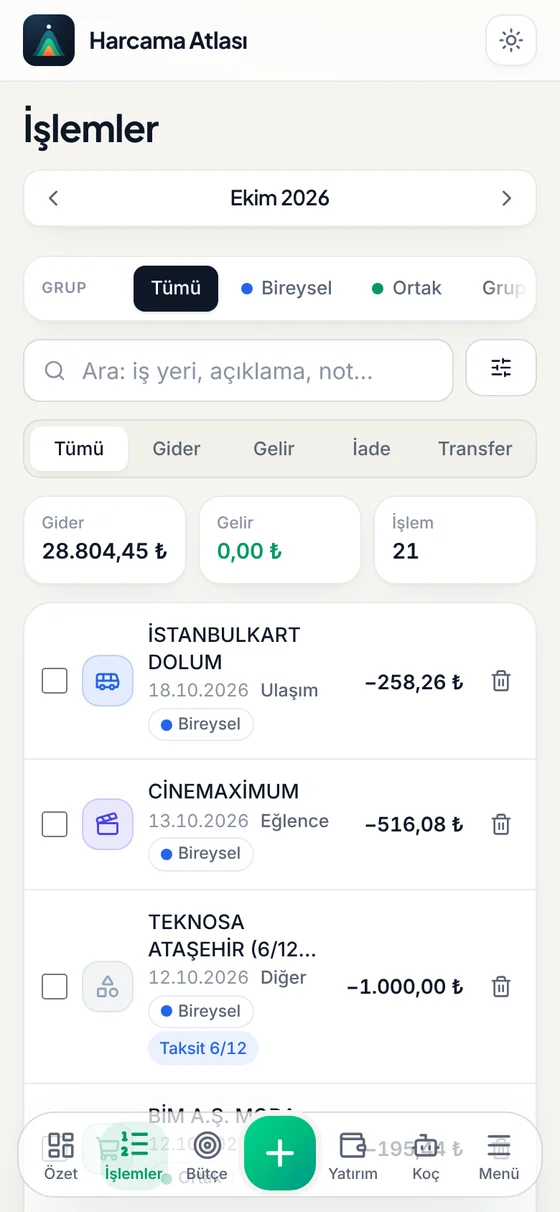
03Read the Summary page
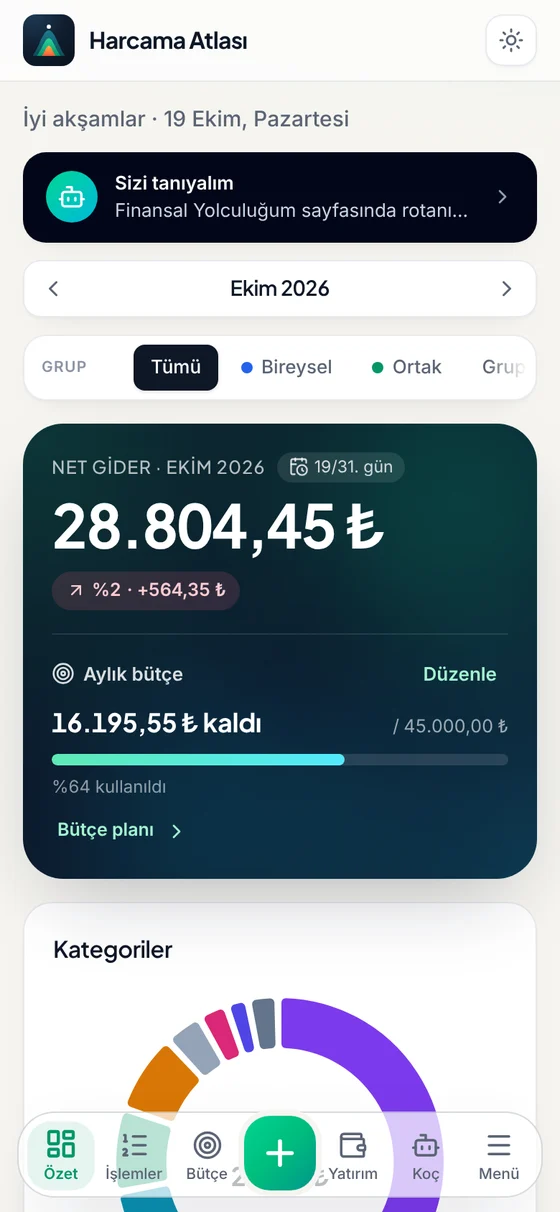
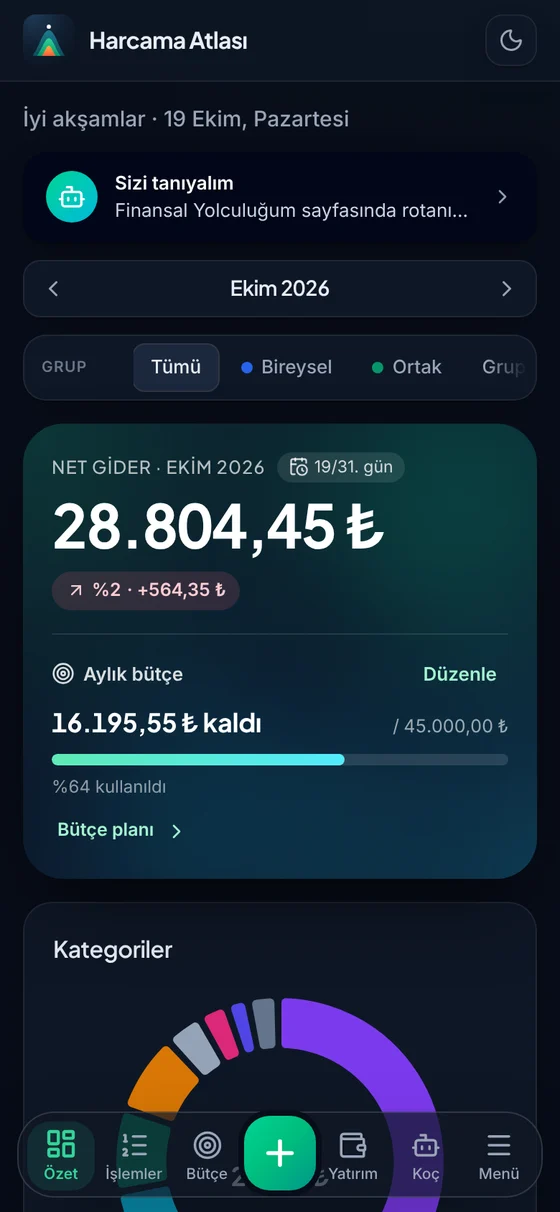
Summary is the map of this period: what you spent, what is left in your budget and where most of your money goes.
- Move between periods with the month picker at the top.
- Use the group filter to look at personal or shared spending.
- See what is left on the budget card and the breakdown in the Categories chart.
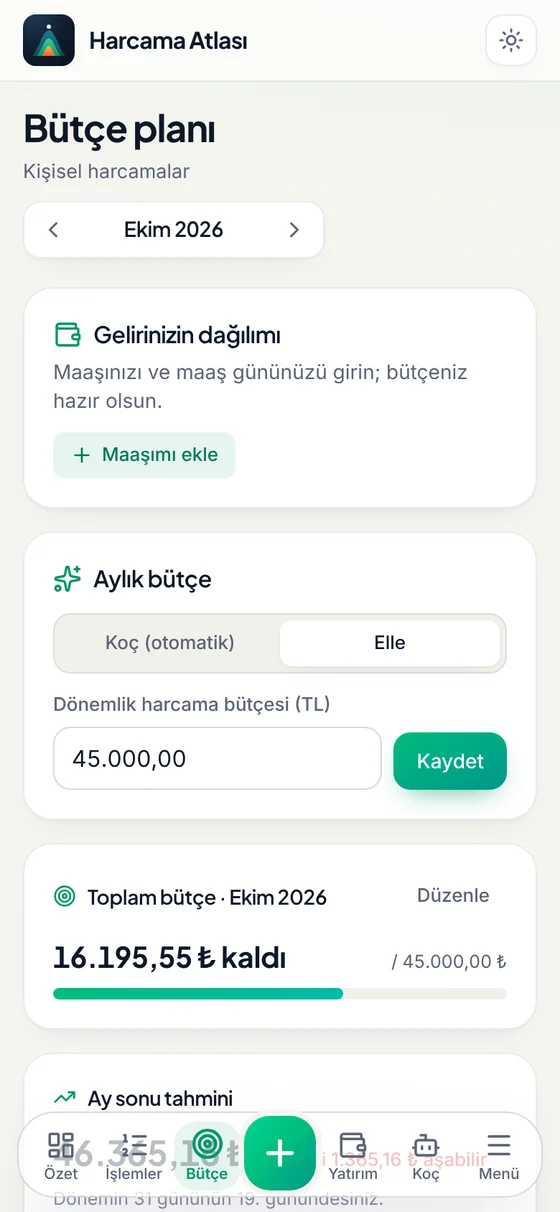
04Set up your budget
Enter your salary and payday; periods start from that day and your budget is calculated from your income.
- Go to Budget from the bottom bar and add your salary.
- For the monthly budget, choose Coach (automatic) or Manual.
- Plus unlocks category limits, alerts and a month-end forecast.
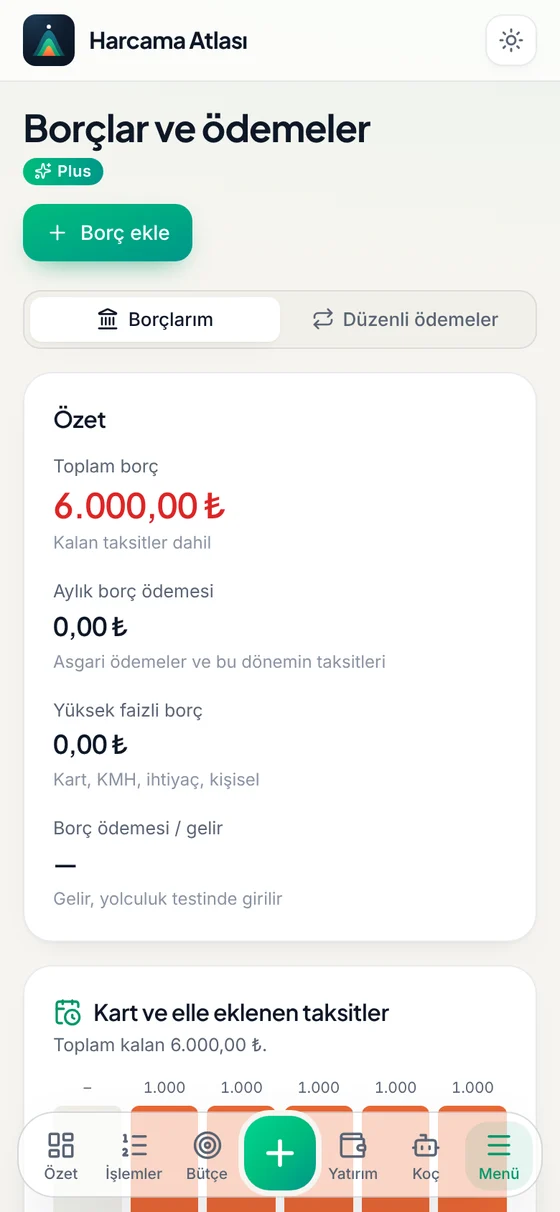
05Plan your debts and payments
Card instalments, loans and recurring payments are laid out across the coming months.
- Open Debts and payments from the Menu.
- Use Add debt to enter its type, remaining balance and instalments.
- Add rent, subscriptions and bills under Recurring payments; you get a reminder on the day.
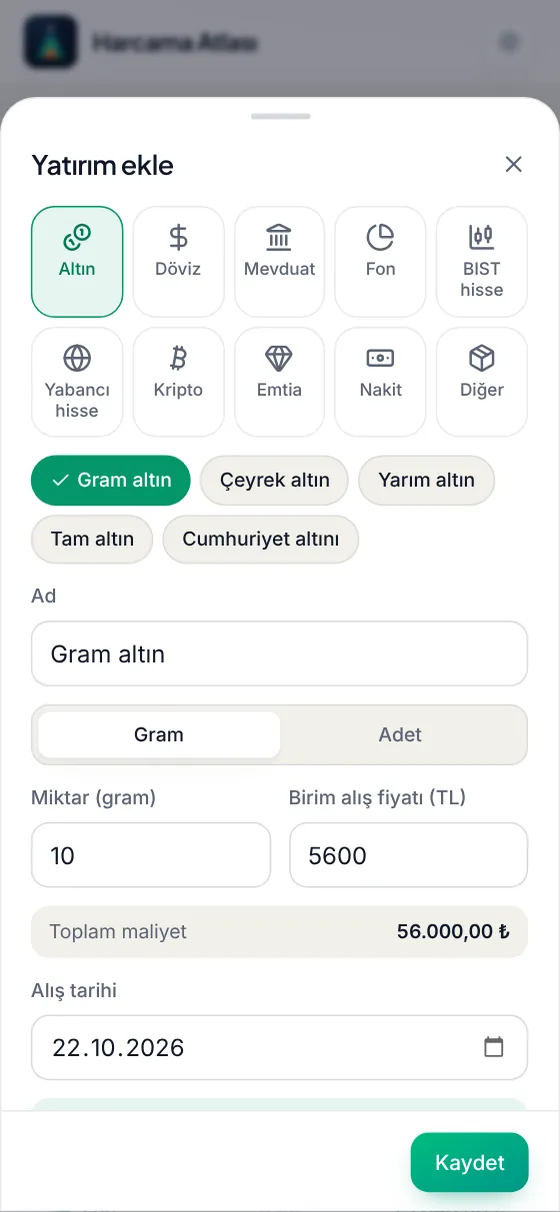
06Add your investments
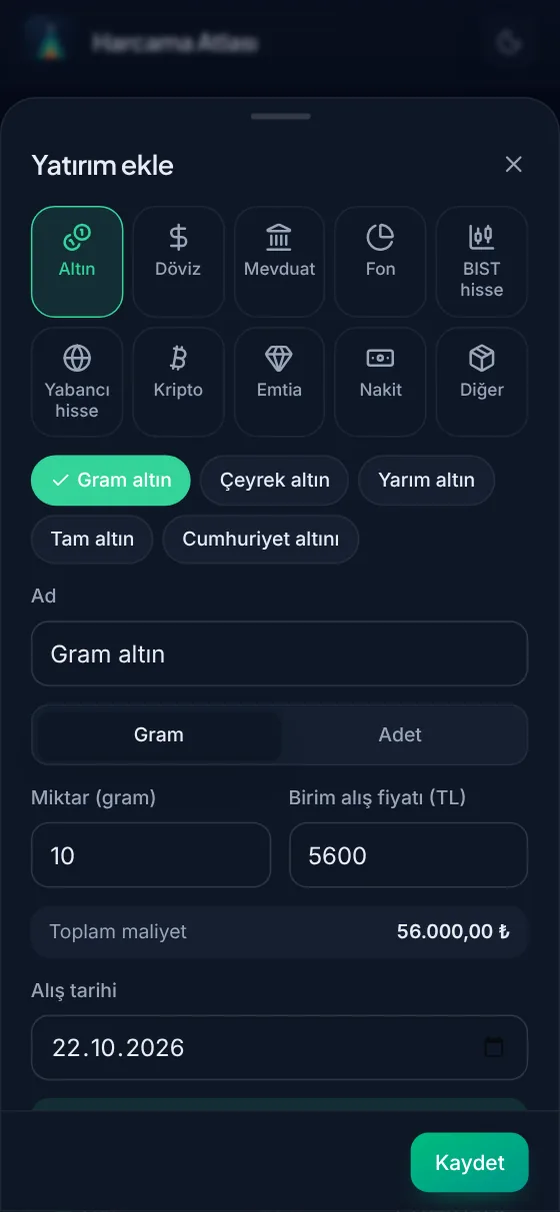
You can add gold, currencies, deposits, funds, BIST stocks, foreign stocks/ETFs, crypto and commodities. Anything with a market price updates on its own.
- Go to Investments from the bottom bar and tap Add investment.
- Pick the type. As you type a name, the symbol is suggested; there are ready-made options too.
- Enter the quantity, unit purchase price and purchase date; the total cost is calculated right away.
- Save. Add later purchases and sales with the Buy / sell button.
07Track current value and profit/loss
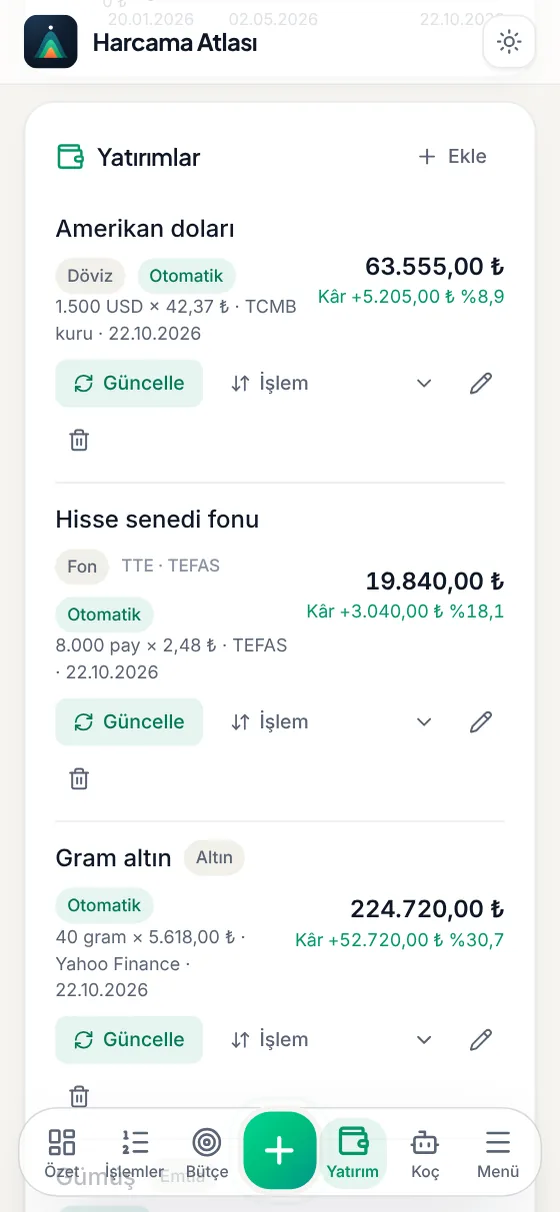
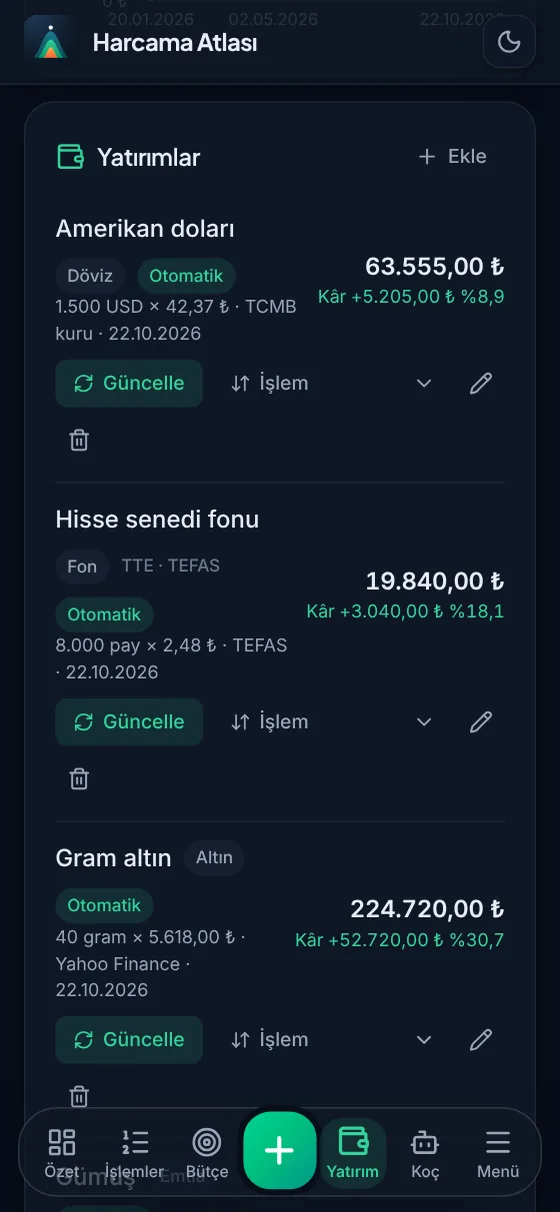
See the cost, current value and profit/loss of every investment in one list. You never need to refresh prices by hand.
- Prices update by themselves when you open the app and every 15 minutes while it stays open.
- Each row shows the current value and the profit or loss as an amount and a percentage.
- See the total in TL or $ USD on the Summary card at the top; the Mix chart shows where your money sits.
08Take the test, sharpen your route
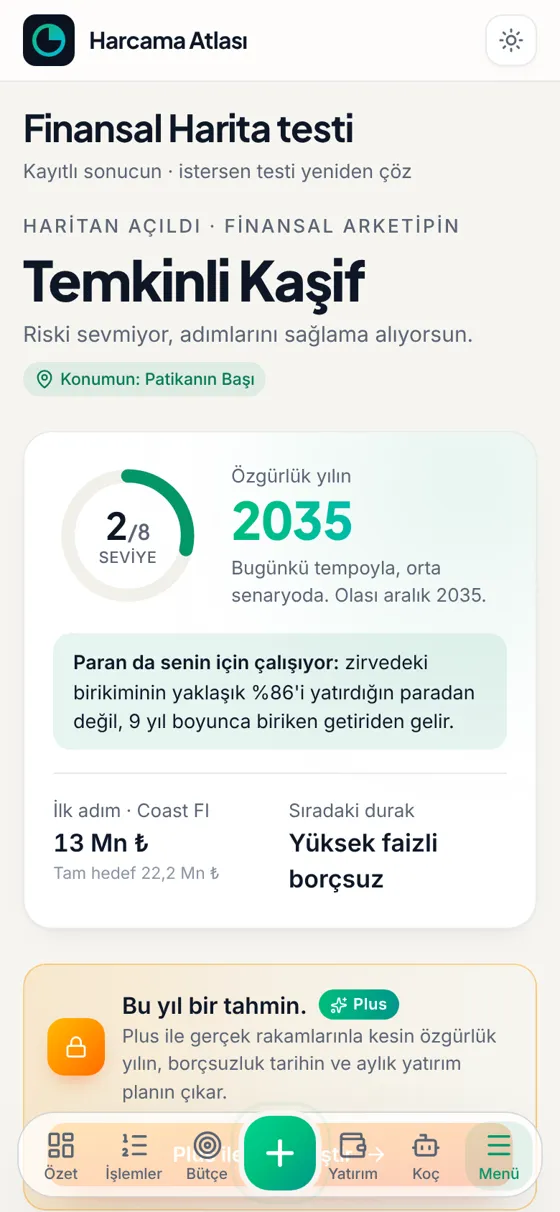
The Financial Map test charts your estimated route. With Plus, your real records are used and the route becomes exact.
- Open the Financial Map test from the Menu and answer the 10 questions.
- See your archetype, your position and your freedom year in the result.
- With Plus, tap Sharpen my route in My Financial Journey to get an exact date and your next stop.
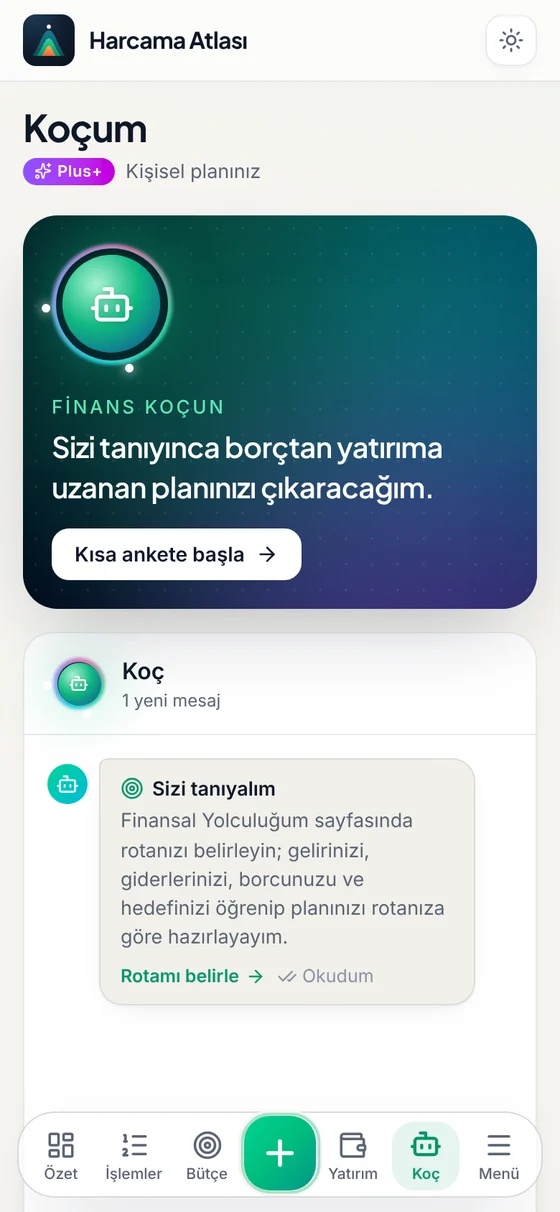
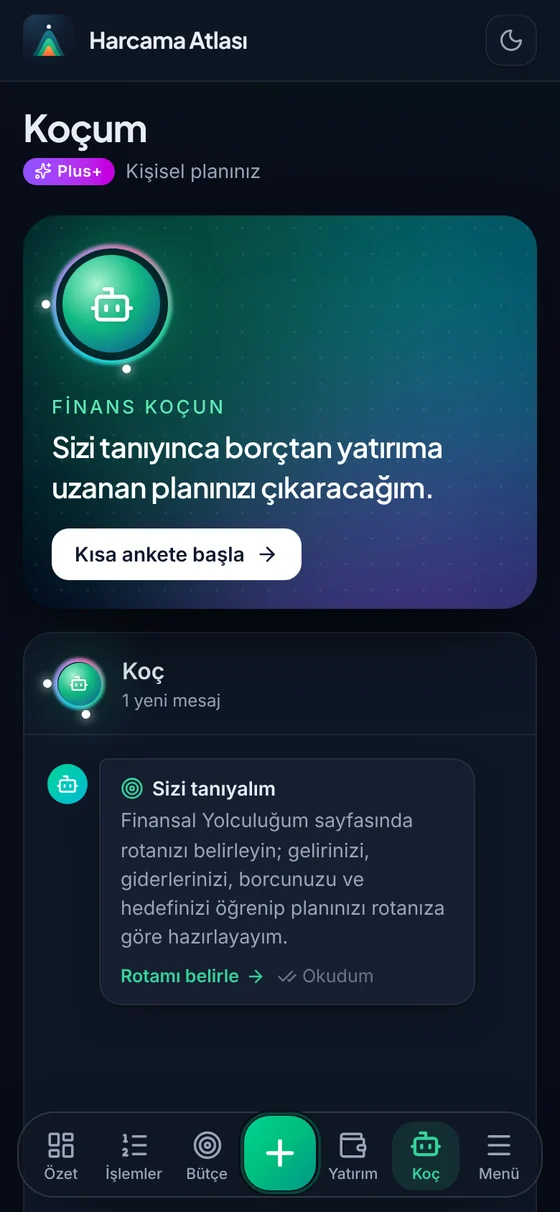
09Talk to the coach
The coach talks with your numbers: which debt to pay first, how much to save, your next stop.
- Go to Coach from the bottom bar.
- Fill in the short survey so the coach gets to know you. Your income, debts and investments go into its plan.
- Type your question or pick a suggested message. The coach does not give investment advice.
10Learn with financial know-how
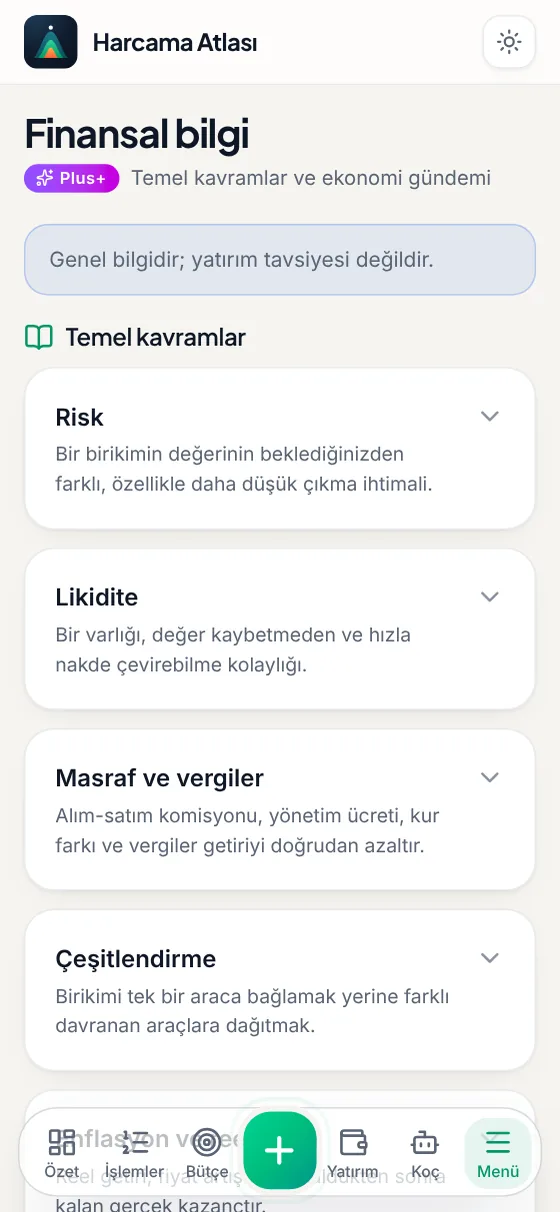
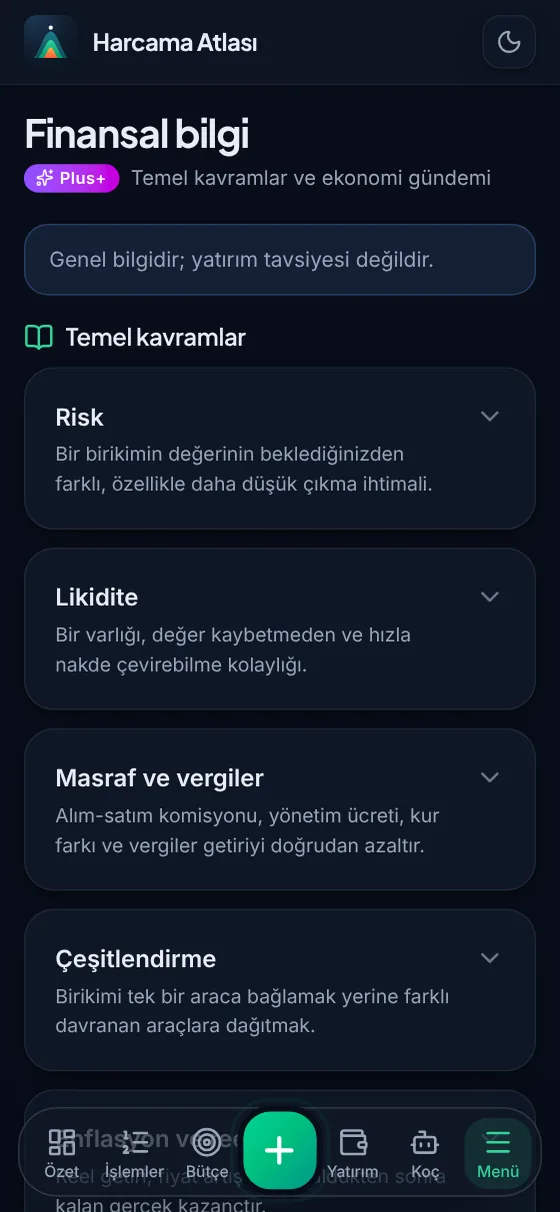
Key ideas like risk, liquidity, inflation and diversification are explained briefly and plainly; the economic agenda is here too.
- Open Financial know-how from the Menu.
- Tap any topic under Key concepts; the explanation opens right below it.
- Ask the coach about anything unclear; it answers with examples from your own numbers. General information, not investment advice.